
TinaCMS review
Best git-backed visual editing
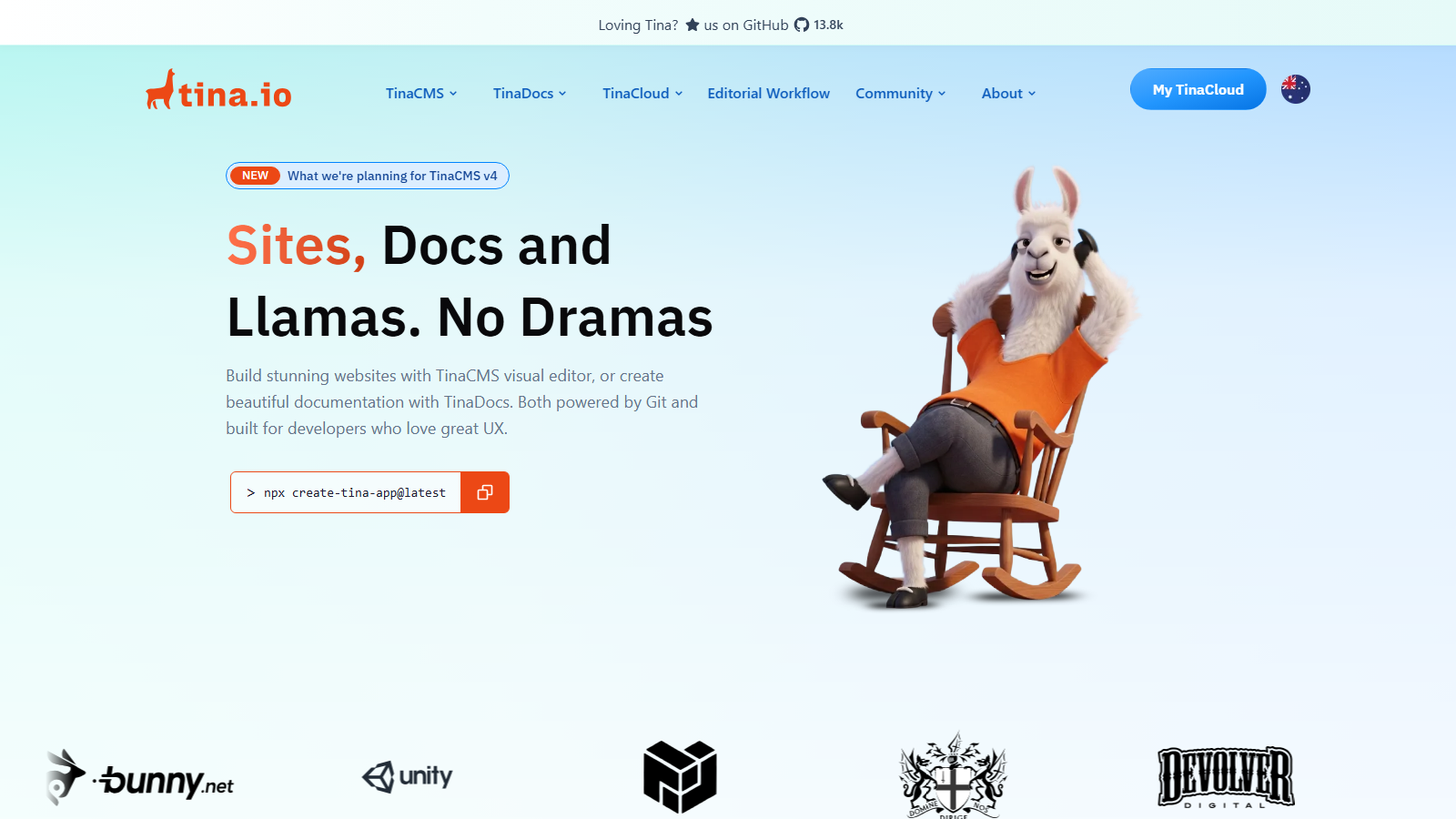
TinaCMS solves a problem the rest of this directory mostly ducks: how to give non-technical editors a visual interface without moving the content into somebody else's database. Your content stays as Markdown or JSON files in your own Git repository. Tina puts an editing layer on top, commits the changes back, and your build pipeline carries on as before.
The visual editing is the part that distinguishes it from every other git-based option. Editors work against a live rendering of the site, clicking a block to edit it in place, rather than filling in fields in an admin panel and hoping. Decap and the other git CMSes give you a form; Tina gives you the page.
The licence is Apache-2.0, read from the repository rather than inferred, and the backend can be self-hosted. That combination is the actual guarantee: no competing-use clause, an explicit patent grant, and content that was never in a vendor's database to begin with. If you stop paying TinaCloud, your Markdown files are exactly where they always were.
Our scorecard
Our editorial read across six dimensions, scored 1 to 5. This is our own assessment, not an aggregate of user reviews, and it is deliberately kept out of the page's structured data.
- Content modelling3/5
Schema defined in code over Markdown and JSON. Excellent for pages and posts, weak for relational data.
- Developer experience5/5
Schema in TypeScript, content in Git, a generated GraphQL layer, and nothing to migrate.
- Editor experience4/5
Real visual editing on a git-backed CMS, which almost nothing else manages. Not Storyblok-polished.
- Pricing4/5
Free for two users, $24 for a small team, and self-hosting removes the vendor entirely.
- Governance3/5
Two roles until Business, and editorial workflow arrives on Team Plus. Git history is the audit trail.
- Ecosystem3/5
Strong Next.js and Astro support, a smaller community than Strapi or Decap, and no MCP server.
An editorial read, not an aggregate of user reviews, and deliberately kept out of this page's structured data.
What you can query
Content in Git
The real API is your filesystem
Markdown, MDX and JSON files in your own repository. The canonical store, readable by anything, with Git as the version history
GraphQL data layer
Generated from your schema
A generated, typed GraphQL API over those files, so a front end queries content rather than parsing frontmatter by hand
Schema definition
In the repository, not a UI
Collections and fields defined in TypeScript in your repo, which means content-model changes go through code review
Visual editing
The differentiator among git CMSes
Contextual editing against your live front end, with fields bound to the components that render them
TinaCloud backend
Or self-host it
Hosted authentication, the indexed data layer and media handling, so you do not run the Git indexing yourself
Editorial workflow
Team Plus and above
Draft and review flow built on Git branches rather than a proprietary state machine, so review happens where your code review happens
Who TinaCMS is for
Teams already building static or hybrid sites from Markdown who need to hand editing to somebody non-technical without giving up the repository. That is a common and awkward position, and Tina is the cleanest answer to it: the developers keep their files and their pipeline, the editors get a visual interface.
Relational content, large content sets and anything where Git stops being a sensible database are beyond it. A product catalogue with thousands of entries does not belong in Markdown, and Tina will not pretend otherwise.
Strengths and limits
What it does well
- Content stays as Markdown, MDX or JSON in your own Git repository, so there is nothing to migrate out of and no export to negotiate.
- Real visual editing on a git-backed CMS, which is a combination almost nothing else in this directory offers.
- Apache-2.0, verified from the repository, with an explicit patent grant and no competing-use clause.
- The backend can be self-hosted, which removes the vendor entirely rather than just reducing the bill.
- The content model is TypeScript in your repo, so schema changes go through code review and deploy with the app.
- Git is the version history and the audit trail, which most platforms charge for as a feature.
- Editorial workflow is built on branches, so content review happens in the same place as code review.
- The repository is actively maintained, with commits on the day of this review.
Where it falls short
- PER PROJECT PRICING. Pricing is per project, so an agency's bill grows with every client site, which Prismic's per-repository and Statamic's per-site models also do.
- Git is the database, which caps you well before a conventional CMS would. Thousands of entries in Markdown is a bad idea and no amount of tooling fixes it.
- Relational content is awkward. References between Markdown files work, but this is not the tool for a normalised model.
- Only two roles until the Business plan at $249, so permission granularity is thin for mid-size teams.
- Editorial workflow requires Team Plus at $41, not the $24 Team plan.
- Tina publishes no MCP server, unlike Contentful, Strapi or Directus.
- Self-hosting the backend is real but is genuine operational work: authentication, indexing and media all become yours.
- A smaller community than Strapi or Decap, so fewer worked examples when you hit something unusual.
TinaCMS pricing
Free is genuinely free for two users, with full visual editing and the GraphQL data layer. Team is $24 a month per project for three users, rising to ten at $90 per additional seat per year.
Team Plus is $41 for five users, up to twenty at $150 a seat, and adds editorial workflow. Business is $249 for twenty users with no upper limit, at $180 a seat, and adds a beta API and three roles. Enterprise is quoted and brings SSO and GitHub Enterprise support.
Everything is per project, which is the number that changes the comparison. An agency with ten client sites on Team is paying $240 a month, not $24, and the same arithmetic applies to Prismic and Statamic. Price the portfolio, not the site.
The genuinely different option is self-hosting the backend, which costs nothing and removes TinaCloud from the picture entirely. That is real rather than nominal, because the content was never in TinaCloud: it is Markdown in your repository, and the hosted service provides authentication, indexing and media handling. You take those on yourself and the licence is Apache-2.0.
That is the strongest commercial position in this part of the directory. Every hosted platform here can reprice you. With Tina the worst case is that you stop paying and run the backend yourself, and your content does not move an inch.
Free
$0
Forever, 2 users
- 2 users and 2 roles, community support
- Full visual editing and the GraphQL data layer
- Or self-host the backend and pay nothing at any size
- Content is in your repo either way
Team / Team Plus
$24 / $41 per mo
Per project; $290 and $490 annually
- 3 and 5 users included, up to 10 and 20
- Additional seats $90 and $150 per year
- Team Plus adds editorial workflow
- Annual billing saves $58 and $98 respectively
Business / Enterprise
$249 / mo or custom
$2,990 annually
- 20 users included with no user limit above that
- Additional seats $180 per year, 3 roles in beta
- API in beta, business support
- Enterprise adds SSO and GitHub Enterprise support
Query example
A minimal fetch against the live API, with credentials read from the environment rather than pasted inline.
// tina/config.ts - the content model lives in your repo
export default defineConfig({
  schema: {
    collections: [
      {
        name: "post",
        label: "Blog Posts",
        path: "content/posts",     // real files, real folder
        format: "mdx",
        fields: [
          { type: "string",   name: "title", isTitle: true, required: true },
          { type: "datetime", name: "publishedAt" },
          { type: "rich-text", name: "body", isBody: true },
        ],
      },
    ],
  },
});

// Because the schema is code, a content-model change is a pull
// request. Because the content is Markdown in content/posts, it
// is readable, diffable and portable with or without Tina.
Limits and quotas
- Free: 2 users, 2 roles, community support.
- Team $24/mo: 3 users included, up to 10, additional seats $90 per year.
- Team Plus $41/mo: 5 users included, up to 20, additional seats $150 per year, editorial workflow.
- Business $249/mo: 20 users included, no user limit, additional seats $180 per year, 3 roles in beta, API in beta.
- Enterprise: custom users and roles, SSO, GitHub Enterprise support.
- All prices are per project and in USD.
- Annual billing: $290, $490 and $2,990 respectively, saving $58, $98 and $598.
- Licence is Apache-2.0; the backend is self-hostable at no cost.
What developers say on Reddit
TinaCMS is discussed warmly and specifically, usually by people who arrived at it after ruling something else out. Its clearest endorsement in these threads is indirect and worth more than a direct one: when Netlify CMS was abandoned and developers went looking for a maintained git-based CMS, Tina was the alternative they named.
The interest is consistently in the same feature. Git-based CMSes are plentiful and almost all of them give editors a form; Tina gives them the page. The Next.js visual editing work, including editing inside Vercel preview deployments, is the thing that gets upvoted.
There is little criticism, and the honest reason is scale rather than quality: Tina is used on smaller sites where the failure modes of a git-backed CMS do not appear. Absence of complaints about a Markdown-backed CMS at thousands of entries mostly means nobody has tried.
“Just a heads-up that Netlify CMS is not maintained anymore. The last commit has been almost a year ago [...] Really unfortunate because being git-based and easily self-hostable made it a very unique CMS. The closest alternative is probably Tina CMS”
r/selfhosted on Reddit“TinaCMS now supports Next.js visual editing in Vercel Preview Deployments”
r/nextjs on Reddit“Announcing TinaCMS: open-source, real time site editing toolkit for React”
r/reactjs on Reddit
Verdict
Choose TinaCMS when you want a static or hybrid site, your content is Markdown, and somebody non-technical has to edit it. That is a narrow description and an extremely common situation, and Tina handles it better than anything else here because it adds a visual editor without taking the files away.
The commercial position is the quiet strength. Apache-2.0, a self-hostable backend and content that lives in your repository means the worst case is that you stop paying and run it yourself. Set that against the Prismic and Storyblok entries in this directory, where the worst case is a repricing email, and it is worth real money in risk terms.
Mind two things. Every client site is a separate paid project, and Git is the database, so a large or relational content set is the wrong shape for this entirely. Within those limits it is close to ideal.
TinaCMS FAQ
How much does TinaCMS cost?
Free for two users. Team is $24 a month per project for three users, Team Plus $41 for five with editorial workflow, and Business $249 for twenty with no upper user limit. All prices are per project, and annual billing saves $58, $98 and $598 respectively.Where does the content actually live?
As Markdown, MDX or JSON files in your own Git repository. TinaCloud provides authentication, an indexed data layer and media handling on top, but the canonical content is in your repo and is readable, diffable and portable with or without Tina.What licence is TinaCMS under?
Apache-2.0, verified from the repository. That includes an explicit patent grant and carries no competing-use clause, which makes it a stronger guarantee than the source-available licences several platforms in this directory use while describing themselves as open.Can I self-host it and pay nothing?
Yes. The backend is self-hostable, so you can run the whole thing without TinaCloud at any scale. You take on authentication, content indexing and media handling in exchange, which is genuine operational work but removes the vendor from the arrangement entirely.How is it different from Decap CMS?
Visual editing. Both are git-based and both keep content in your repository, but Decap gives editors a form in an admin panel and Tina lets them edit against a live rendering of the page. When Netlify CMS was abandoned, Tina is the alternative developers named.What are the limits of a git-backed CMS?
Volume and relationships. Thousands of Markdown files makes builds slow and indexing awkward, and normalised relational content does not fit files well. If your content set is large or heavily interrelated, a database-backed CMS is the right shape and Tina is not.Does TinaCMS have an MCP server?
No, and it is now one of the platforms in this directory without one. Several hosted platforms reviewed here do ship one, so if agent-driven content operations matter, weigh that gap against Tina's portability.Is per-project pricing a problem for agencies?
It can be. Ten client sites on the $24 Team plan is $240 a month rather than $24, the same shape as Prismic's per-repository and Statamic's per-site models. The counterweight is that self-hosting the backend is free, which is a genuine option for an agency with infrastructure.
Other platforms worth a look
This is an independent review. We have no affiliate relationship with TinaCMS, earn nothing if you sign up, and no vendor pays for placement in the directory. Prices were read from the vendor's own pages in September 2026 and change without notice.